
Key Takeaways
- The maintenance systems organizations rely on today are often cumbersome to use, complicate processes, and fail to account for the operational realities of maintenance workers.
- To align with modern workforce expectations and maintenance needs, systems need to be intuitive to use and offer a mobile-friendly experience.
- A good UX removes friction, simplifies training, improves adoption, and increases efficiency.
- AI-driven capabilities can enhance UX by simplifying processes and workflows.
UX Is Now Table Stakes
Anyone who has spent time around industrial software has probably encountered systems that look like they haven't been updated since the 1990s. If you put a traditional maintenance ERP screen in front of someone who isn't Generation X or older, they'll look at it like you've just asked them to hammer two rocks together and make a fire. The point being that many maintenance and ERP systems feel like products from another era.
Meanwhile, the workforce has changed. Now, they’re digital natives that expect easy-to-use applications and streamlined digital experiences. Compared to the technology they use every day, legacy maintenance systems feel primitive. Some of us can use those interfaces lovingly and nostalgically, but that's not the workforce standard anymore.
“Today's workforce expects technology to work the way the rest of their digital world works. That's not a luxury or a nice-to-have anymore. It's table stakes.”
For maintenance organizations, this is more than a minor inconvenience. Small inefficiencies add up fast. Every extra click, every confusing workflow, and every cumbersome process adds complexity to routine tasks. When UX falls short, organizations pay for it in longer training cycles, slower adoption, and reduced day-to-day productivity.
Removing Friction From Maintenance Work
The most effective systems are built around how people actually work.
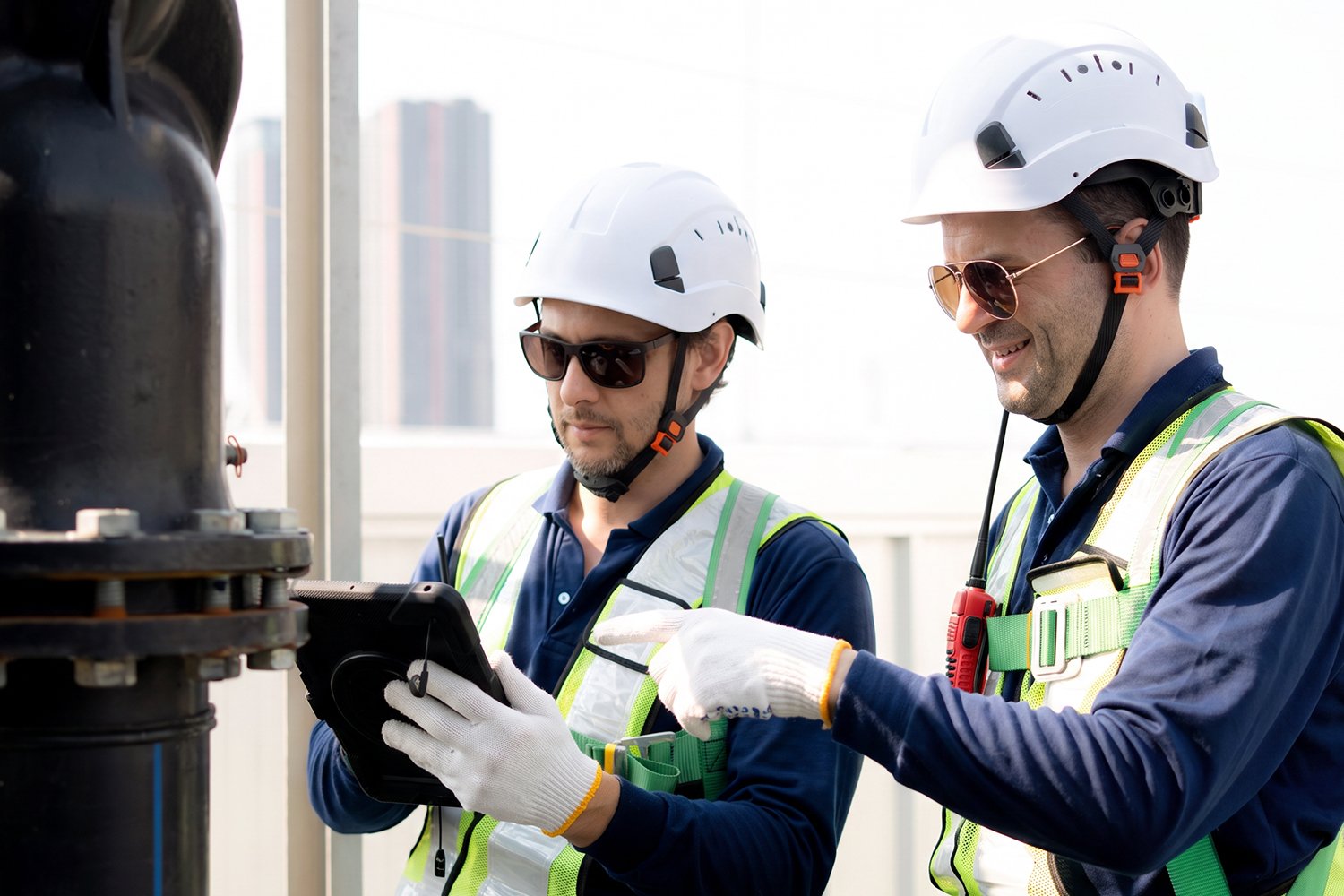
Many maintenance systems are built around the requirements of the application rather than the needs of the person using it, whereas a good UX starts by acknowledging the realities of the user. In field work, for example, technicians may be working outdoors, wearing gloves, multitasking, or moving between locations. Interfaces need large buttons that can actually be used with gloved hands. Navigation should be straightforward. Workflows should minimize the number of clicks required to complete a task.
We saw this firsthand at a large utility company. When performing leak surveys on gas lines, field technicians had to rely on multiple applications across different devices to log survey data. In practice, that meant walking back and forth between the job site and their vehicle to access systems, enter information, and complete paperwork. The process technically worked, but it created unnecessary friction at every step. We brought everything into a single mobile experience so technicians could manage everything in one place. Fewer systems, fewer steps, and fewer trips back to the truck reduced time spent on work orders and simplified training for new users.
Good UX makes work easier, not just software prettier. Every UX decision should reduce friction. These details often determine whether employees embrace a solution or avoid it whenever possible.
“A better UX enables you to follow processes and complete work.”
Better Experiences Drive Greater Adoption
One thing we've consistently seen is that when you have a good UX, you don’t have to force employees to use it. They’ll adopt it because it helps them get their work done more easily.
We've seen this firsthand at a leading diversified energy provider. We built a single-pane-of-glass interface that gave users a simple way to visualize and interact with operational data. Originally, it focused on meter and network information. Then the team added vegetation management data, which got everyone's attention. From there, it expanded to include substations, transmission lines, and poles. Each new layer unlocked another use case and another group of users. Before long, teams across outage management, engineering, customer service, and operations were all using the same interface. Adoption kept growing because the experience remained simple and useful.
When users can navigate a system intuitively and complete their work without fighting the interface, adoption follows naturally. Users are attracted rather than repelled.
The Next Frontier: AI-Driven Maintenance
The next step is combining great user experiences with AI.
Imagine a field technician taking a photo during an inspection. Rather than simply attaching the image to a work order, AI could identify potential areas of concern, highlight them for review, and automatically include that information in the work order before it's submitted.
The same idea applies to maintenance planning and diagnostics. Imagine having operational data, telemetry, work orders, permits, inventory, and asset relationships connected and accessible through a natural language interface rather than scattered across multiple applications. Instead of hunting for information, users can ask a question, understand what's happening, and determine the next best action.
In maintenance, there's a huge opportunity for AI to handle the coordination work that often slows execution today: gathering information across systems, connecting operational context, and helping workers get to the next best action faster. When it's done well, AI removes complexity from workflows.
More Than a Pretty App
Good UX has become the baseline expectation of today's workforce. But reducing it to visual design misses the point entirely. The real value of UX is its ability to remove friction, simplify training, improve adoption, and help people work more effectively with increasingly complex systems.
We work with energy and utility organizations, including oil and gas operators, across the full maintenance orchestration stack. Explore more of our Automotive & Industrials expertise.